Use these to pretty much complete EVERYTHING you need to do
🍩 Fresh from Sunday Doughnuts. A new batch lands in your inbox every week. Subscribe free →

An entrepreneur's recipe for sweet success
2.17 min Read
If books are the window into an experts brain as they share their database of wisdom, then newsletters are the software updates to those data bases.
I’ve failed time and time again. In fact, I’m not done failing, nor do I want to be.
BUT, I want to do whatever I can to help YOU not make my same mistakes. I’ve learned a lot, but if you can just skip the line, and avoid the obstacles that once blocked me, that’s a way better path.
With that, one of the things I’ve been stuck on, as many others have, are the tiny details. The ones that seem SO important in that moment, but then when you’re out of it, you realize how insignificant they actually are.
These details aren’t just relating to start ups or JUST acquisitions, these are details that can get in the way of every little thing you do.
While there are thousands of details that I could be talking about, today I’m referring to apps. The apps that you use for moving the needle forward. Communication apps, editing apps, media apps, file apps, password apps, underwriting apps, etc.
I can’t even begin to describe how many times I’ve been stuck on the question “WHAT DO I USE??”
Then I ask other people and google and trial an app and email customer support and ask more people and then end up thinking it’s too much and not doing anything...
First, stop that. You’re wasting time. Just pick something. Stop YouTubing, just decide.
Second, this email is THE list of what I use for pretty much EVERYTHING. I’m not affiliated, I don’t get any kickback, don’t use these apps for all I care. JUST USE SOMETHING. And then get on with it.
Action begets action.
Let’s go!
Slack - This one is crucial. It costs, but it’s worth it. I have so many different channels going and it makes communication with anyone and everyone a piece of cake. Sharing everything that needs to be shared instantly.
Gmail - This is self explanatory. Google is THE email system and they’ve built out an empire of everything that surrounds it. Get a Gmail. And then have at least one professional email (through Google) that doesn’t say @gmail.com
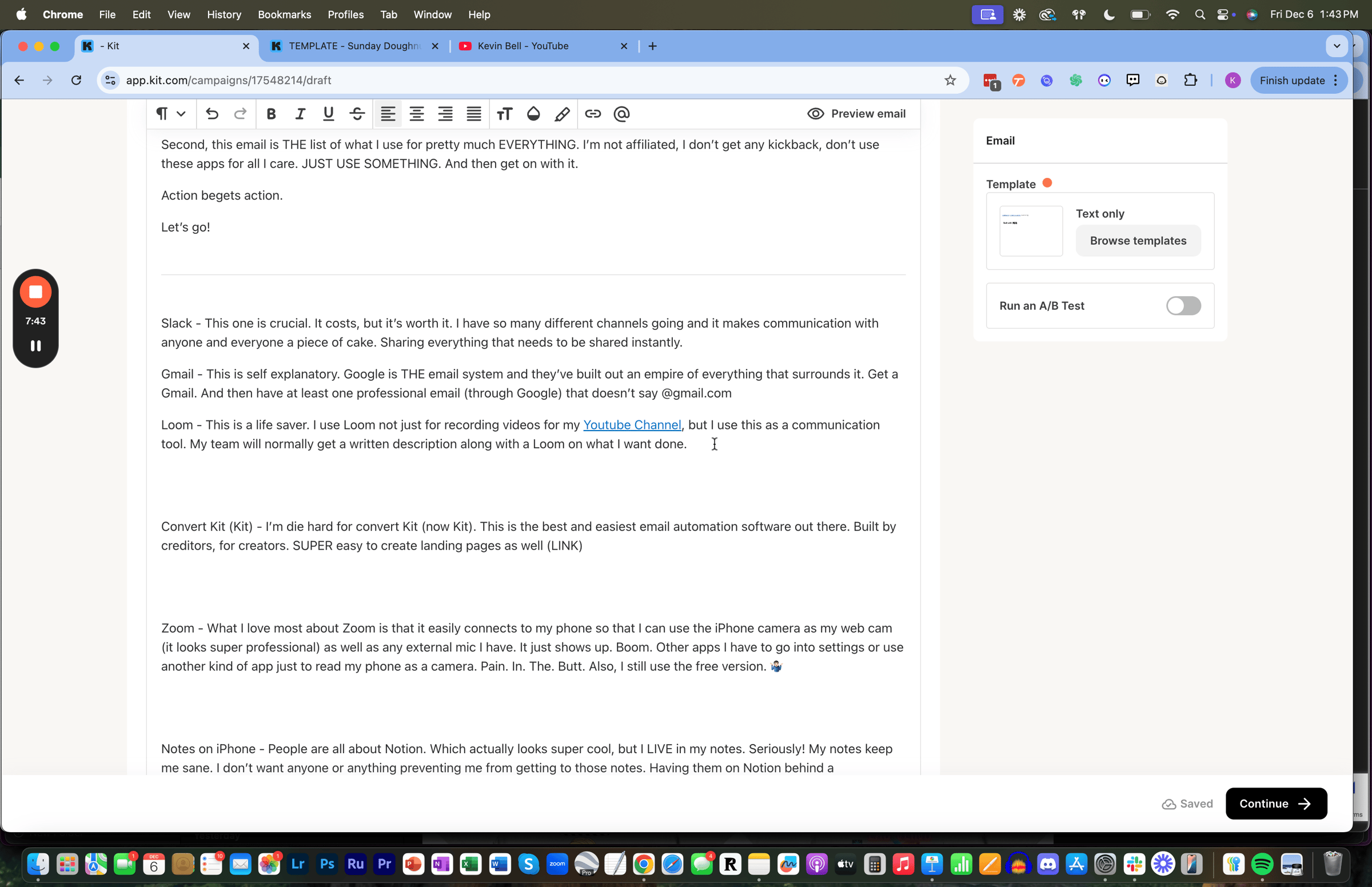
Loom - This is a life saver. I use Loom not just for recording videos for my Youtube Channel, but I use this as a communication tool. My team will normally get a written description along with a Loom on what I want done. In fact, this is a screenshot of me filming a Loom RIGHT NOW and sharing it with my team.
Convert Kit (Kit) - I’m die hard for convert Kit (now Kit). This is the best and easiest email automation software out there. Built by creditors, for creators. SUPER easy to create landing pages as well
Zoom - What I love most about Zoom is that it easily connects to my phone so that I can use the iPhone camera as my web cam (it looks super professional) as well as any external mic I have. It just shows up. Boom. Other apps I have to go into settings or use another kind of app just to read my phone as a camera. Pain. In. The. Butt. Also, I still use the free version.
Notes on iPhone - People are all about Notion. Which actually looks super cool, but I LIVE in my notes. Seriously! My notes keep me sane. I don’t want anyone or anything preventing me from getting to those notes. Having them on Notion behind a subscription or a company makes me uneasy. Maybe it’s “old school”, but it works. And sometimes that’s all you really need.
CapCut - I make a ton of content. I’m not an influencer or YouTube star by any means, but I try to turn what I’m doing into as much digestible content as I can. CapCut is incredible for allowing me to create 100% from my phone. I film, edit and post all from my iPhone with ease. CapCut is easy to use and does pretty much everything that I need. Fun fact, I went to an art school for middle school and high school. I majored in film and have worked with some super advanced editing programs. CapCut competes with the best of them in a pinch. I’m not making a motion picture, I’m just editing clips. I made this entire video using CapCut
Canva - Canva is the every man’s Photoshop. There’s very few situations where you really need the extent of Photoshop. Unless you’re a graphic designer. Canva (even the free version) is extremely versatile. I’d encourage you to upgrade to the paid, but just in general, Canva will take care of ANY kind of graphic work you need done. And the mobile app is also very user friendly. For example, you can even use Canva for a good laugh. I whipped these up in a few minutes for a buddy of mine that just had quadruple bypass surgery and who also enjoys gag t-shirts… did I take it too far?

Chat GPT - There’s a ton of AI out there now. Chat GPT is still my go to. I have the $20/ mo plan which provides all these other add ons.
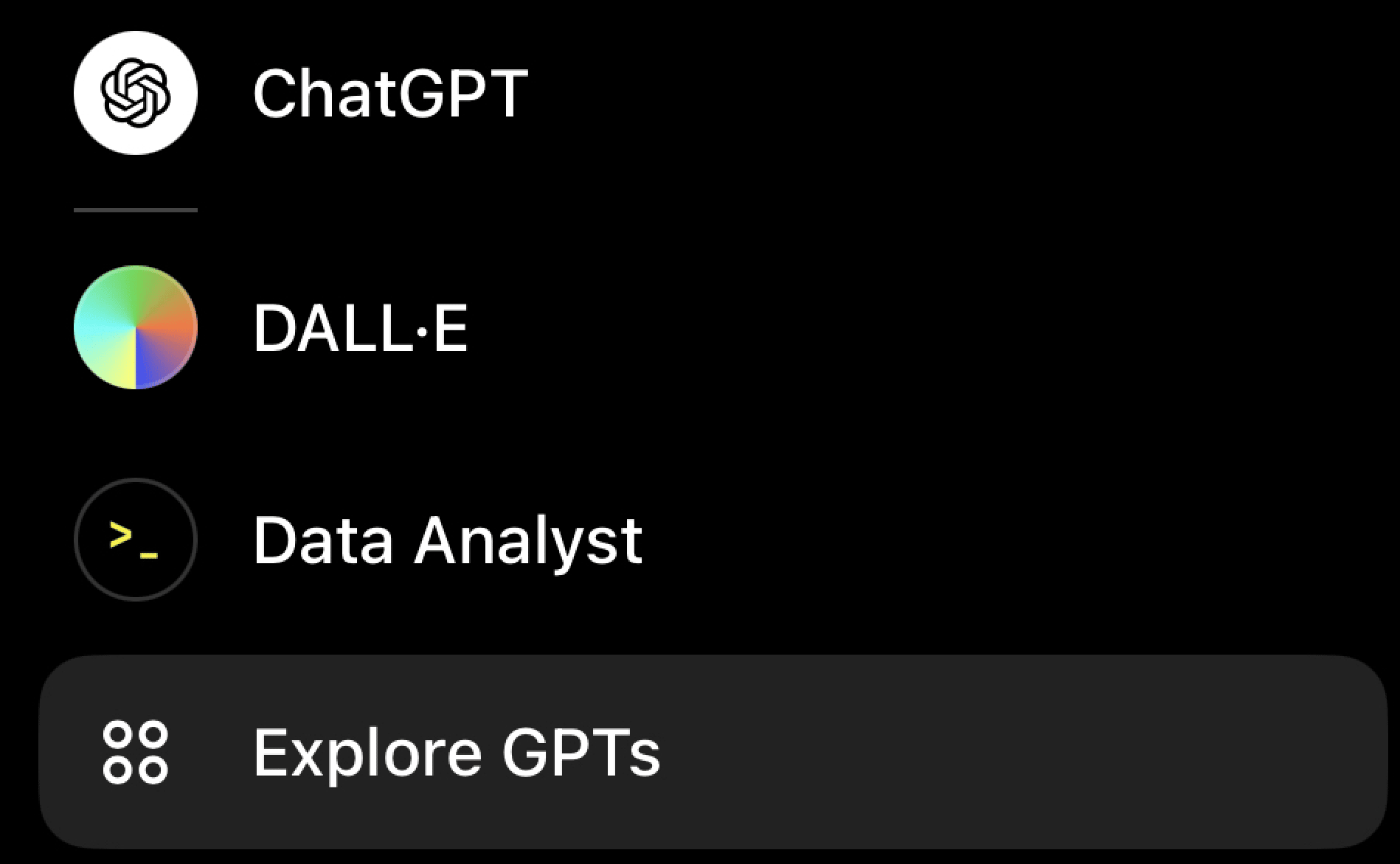
The world of AI use is expanding exponentially and we’re only in the beginning. Having and using something as simple as this can get your feet wet with how to be more efficient and do more in less time.
Google chat - If you have a Google account, you have access to this. It’s free. Think of it like the free Slack. Not as extensive, but for quick team communication and a way to not blow up your inbox, this is it.
Bear blog - I have a blog. And so should you. I think anyone with ideas and words swirling around in their head should at the minimum have a blog. I started this before my newsletter as a way to just get the ideas and words out there. It’s more of a database for me to house all my writing. I wanted something that I could add to almost instantly and I didn’t need to know any kind of coding to do so. I can also post EASILY from my phone. It is the best blog site out there in my opinion. Super cheap as well. Here’s what this looks like
Squarespace - While I dont use squarespace for my blogging, I do use it for websites. It’s clean, professional and user friendly. It also connects with Google domains really well. You dont really need anything more. Here’s what my site looks like
Storetrack - This is the one stop shop to find out anything and everything about the market of the storage facility you’re looking at. I use this extensively to help me do market research. Phenomenal tool. Easy to use. 10/10.
Neighborwho - Have you heard of skiptracing? I hadn’t either, but I kept hearing that term thrown around. Without pulling up the exact definition and just pasting it in here, skip tracing is essentially the process of identifying necessary information about a person or place based on whatever info you might already have. For example, we skiptrace to find out as much information on the owners of storage facilities (names, numbers, emails, age, etc) based on the address of the facility. Neighborwho is EXCELLENT at this task. Another alternative that is free is https://www.truepeoplesearch.com/. Not as good. It’s hit or miss, but it’s free… so you get what you pay for.
Landglide - Often we need to know the property line and who owns it. There might be a parcel right next to the facility that could be used for expansion. Knowing this ahead of time helps sweeten the deal. Landglide has all that info. So simple and so useful.
LastPass - Another must have. There are other password sites out there like 1Password, but LastPass takes the cake. If you have a team and need to share passwords, use LastPass.
Descript - For the editing, storing and posting of the content for my podcast, we use Descript. Super user friendly, reasonable price, great editing tools in there to generate clips and captions. Just an overall well put together app.
Riverside - Another podcast tool. Riverside doesn’t have quite the extensive editing capabilities, BUT as far as recording goes, Riverside is pretty much the standard. When you record it also automatically splits the screen and breaks up clips for you, which is a big help in post production.
Senja - I definitely did a fair amount of research before this one. This is a review/ testimonial app. Testimonials are powerful. The more you’re able to acquire them, the better. I wanted something easy, fair priced, and an ability to share anywhere. Senja won out. This is my page here… and hey, I mean if you want to test it out and write an awesome review, I wouldn’t stop you ;)
Quick References:
Google sheets > Excel. Sorry, I know that might be triggering, but id rather it be universally accessible and sharable.
Spotify > Apple Podcasts. Apple does NOT make it easy to post a podcast on there without creating a whole new apple account. Which then disrupts your entire ecosystem of Apple… to be continued on whether we figure this out
Calendly > Everything else. Simple, cheap, accessible, works.
Breezed > Docusign. Created by Appsumo, this is SO user friendly. I also bought the lifetime access to it for a one time fee. You can upload anything from anywhere and create an easy way to sign and send to someone. Brilliant.
Thriftbooks - I won’t go as far as saying that it’s better than Amazon, BUT it’s pretty awesome. I’m a huge book nerd. Probably buy a book a week..ish and since I’ve found Thriftbooks.com, every time I’m looking for a book, I check that site first. Most books on there are $4-$7. Compared to $15 on Amazon.
I know that was a lot, and some might not apply. I’m sure I also left some out that I use everyday. If I remember some that I forgot, I’ll send them out :)
I'm doing it.
I'm launching a coaching course at the start of the year.
If you want to earn an extra $8560 a month or more by acquiring a profitable small business that you can run out of state and "semi-passively" (nothing is passive, don't believe that lie) do this 👇
Reply directly back to this email with "I WANT TO KNOW MORE"
This is why I chose such a specific number:

Until next time...
Stay in the fight,

My best tweet this week:
@kevinasrx
Stopped by our local donut shop (hold the cop jokes👮🏻♂️) and got talking to the owner.
This is what he said about the way he runs his business:
“More people are good. More lines are bad. Future customers want confirmation of their decision to buy, but they don’t want to wait to…
https://x.com/i/web/status/1863270806228181107


My favorite tweet this week: (just read the comments, this Is gold)
@KrissBergTweets
Twitter tribe: looking for some examples of Christmas gifts for kids (10,6) that:
keep kids active (no video/board games)
stand the test of time (no one and done toys)
can be done inside preferably (we have bikes etc.)
GO!
Other places to find me:
🎙️ Podcast
🎥 YouTube
🧑💻 Medium
📸 IG
🙋🏻♂️ About Me
📚 What I'm Reading
✏️ What I'm Writing
🧱 What I'm Doing
📌 Pinned Article
Liked this one? Get the next one in your inbox.
One email every Sunday about starting, buying and growing small businesses. What's working, what isn't, and what I'm building right now.
Free. You'll get a confirm email first. Unsubscribe anytime.